An n8n Cloud workspace (observed on version 2.46.6) and a FetchSandbox account. Field reference: https://docs.n8n.io/integrations/builtin/cluster-nodes/sub-nodes/n8n-nodes-langchain.toolmcp/
01
Get your account key
Create a key at https://fetchsandbox.com/keys. It's your FetchSandbox account key, not a Stripe or Gmail key. Never paste it into chat.
Start a workflow with Chat Trigger and AI Agent, attach a chat model, and connect MCP Client Tool to the AI Agent Tool input. Set Endpoint to https://fetchsandbox.com/mcp/v1, Server Transport to HTTP Streamable, Authentication to Bearer Auth, save your raw FetchSandbox key in the credential field, and set Tools to Include to All.
Remote MCP configuration
Endpoint: https://fetchsandbox.com/mcp/v1
Server Transport: HTTP Streamable
Authentication: Bearer Auth
Credential: your FetchSandbox account key
Tools to Include: All
FetchSandbox capture · n8n 2.46.6 · 12 Nov 2026. Setup reference. This shows the platform setup, not an execution.
03
Test the connection
Ask the agent to run FetchSandbox list_workflows for Stripe. Tools appearing in the list only proves discovery. A real list_workflows result proves tool use.
Test the connection
Call FetchSandbox list_workflows with spec_slug stripe and tell me the actual result.
04
Verify the actual workflow and inspect the receipt
Ask FetchSandbox validate_integration to agree expected behavior. Point your business workflow's provider calls at isolated twins, then invoke that workflow through its protected reachable webhook. n8n Cloud webhooks are already reachable, so no managed tunnel is needed. Inspect the receipt when the run finishes.
Verify the actual workflow and inspect the receipt
Use FetchSandbox validate_integration for this running app. Agree the observable expected behavior with me, configure the isolated twins, invoke the actual app and report the receipt, including anything failed or unmeasured. Keep polling the same get_job until it reaches a terminal state.
Signs your setup works
The agent returns a real list_workflows result, and the receipt shows how your actual workflow behaved against the twins.
Scope of this evidence
MCP Client Tool access alone does not redirect provider nodes to twins. Twin runs are rehearsal, not live delivery.
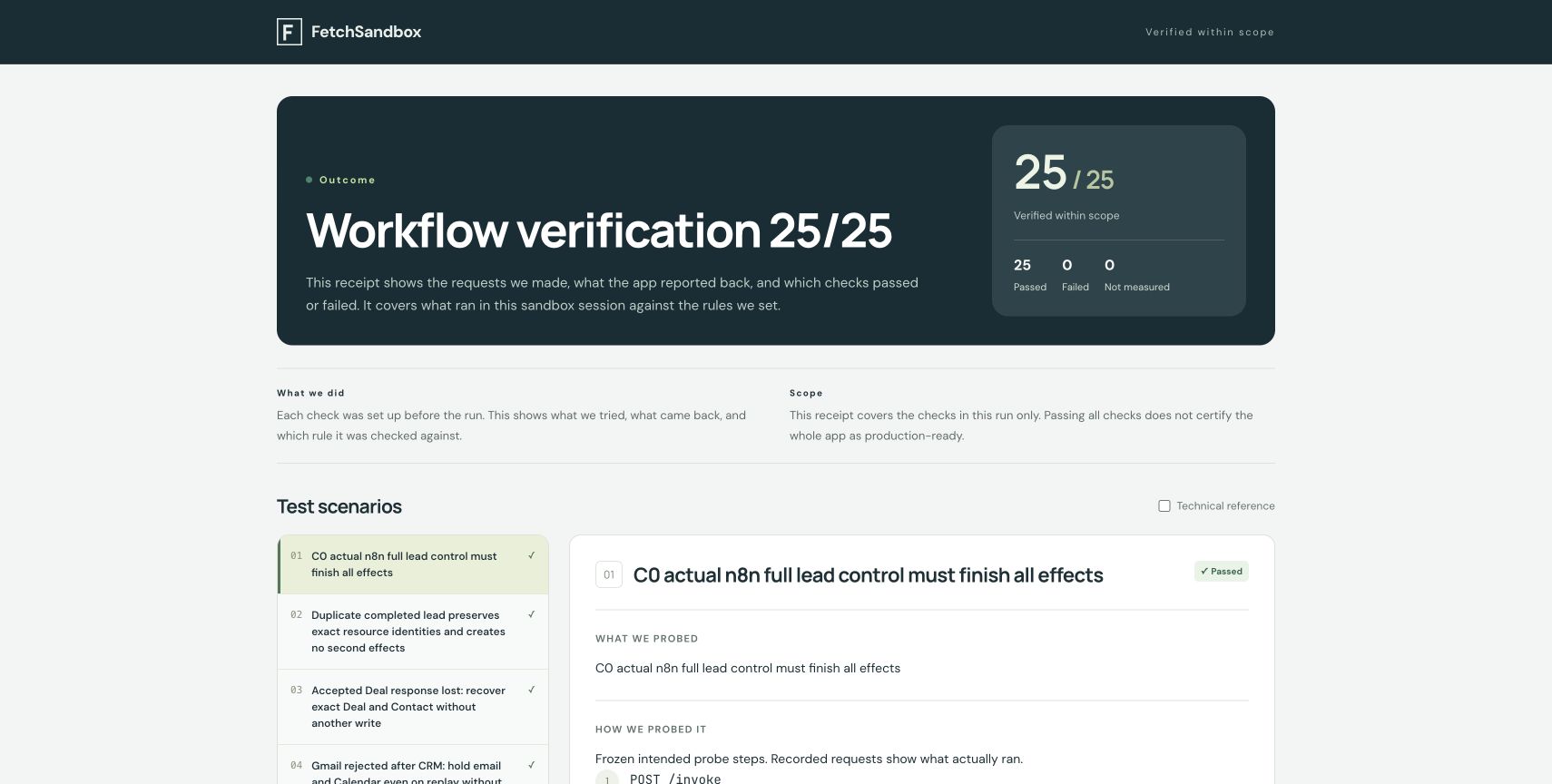
Historical runs recorded against isolated twins. You can inspect each receipt and its evidence. Not a new execution or production certification.
Lead recovery in n8n Cloud
Passed
n8n Cloud lead flow from HubSpot to Gmail to Calendar to Slack. The run rehearsed retries, uncertain results and a restart of our worker. It doesn't cover an n8n host crash or live delivery.
Each receipt is one individual dated run against isolated provider twins, not live vendors. The caller declared the app revision, and it is not attested. Workflow docs are pinned to the commit shown here. A status appears only when the original verdict, counts, completeness and app_verified all support it, and counts are never merged. Some source exports, including the n8n lead flow, are not public. These public examples are separate from proving your own app through your builder, and they don't show that each native client was tested.